In the upper right corner, there is a button named Create:
This button will open up a page where you can create a subdomain. You will need to fill out a form:
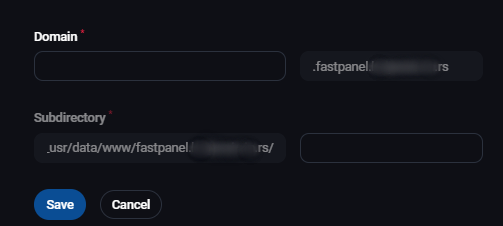
- Domain - name of your subdomain
- Subdirectory - name of the subdirectory where you will store files related to that subdomain
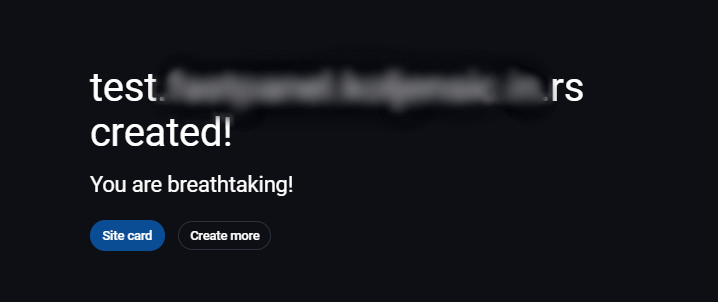
After you click on save, you will get a message that the subdomain was created:
If you haven't already, you should create an A record in the DNS zone of your domain. For the domains that are using DNS editor in your mCloud portal (AnyCast), you can read this instruction.