On this page, you will see all PHP limits and a search bar:
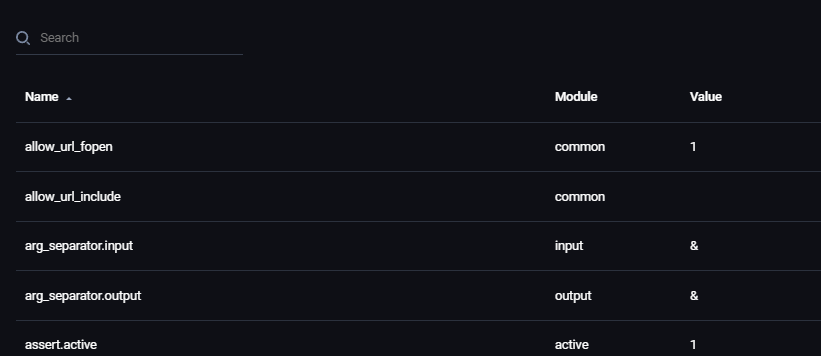
Next to the name of the limits, you will also see:
- Module - a module for that limit
- Value - value of that limit
More to the right, you will see:
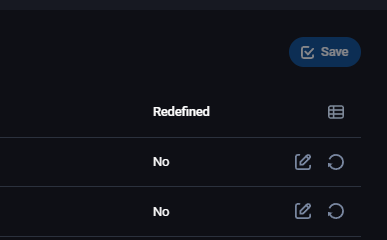
- Redefined - status that lets you know if that limit has been modified or not
- Pencil - lets you edit that limit
- Krug sa strelicom - restores the default value of that limit
After you click on the pencil, a pop-up window will show up, and you can change the value of that limit (in this case, it's memory_limit):
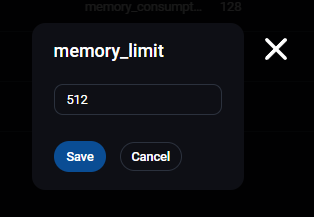
When you're done, and click on Save, you will be returned to the previous page where the changed limit will now be orange in color and the Redefined field will be changed to Yes:

Change all the limits you want to, and click on the blue button Save in the upper right corner.