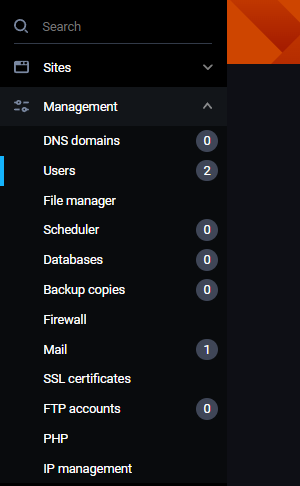
To create new, or manage existing FastPanel users, go to Management -> Users:
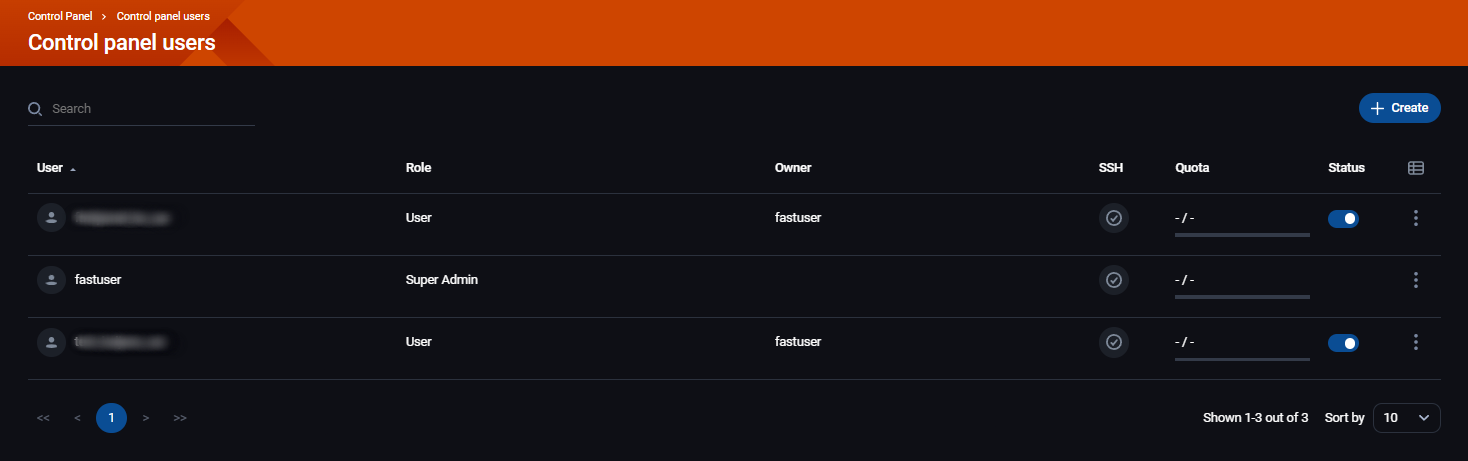
You'll see all existing users on this page:
Above the users, on the right side, there's a button +Create for creating new users:
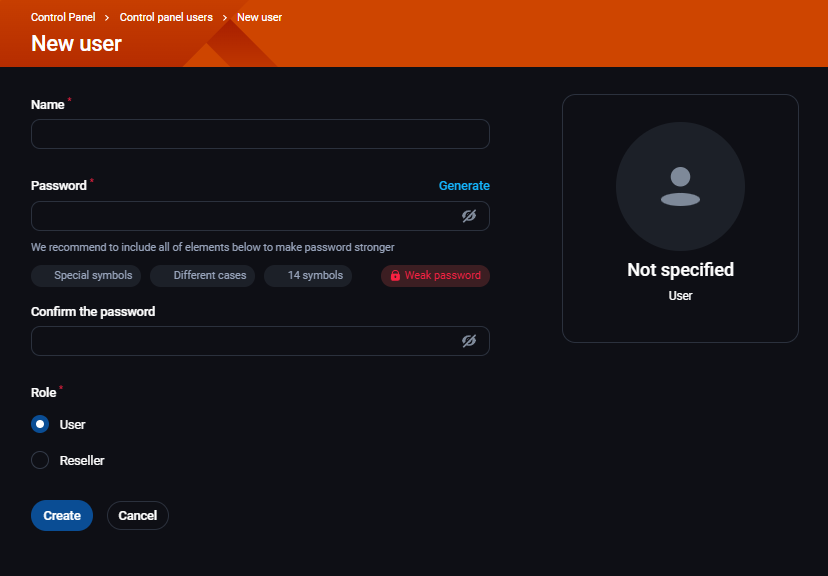
To create a new user, you'll need fill in the following:
- Name
- Password
- Confirm the password
- Role - user or reseller
Newt to the every user you'll see:
- Role
- Owner
- SSH - is SSH access enabled or disabled
- Quota
- Status - is the user enabled or disabled
- Three dots - more options:
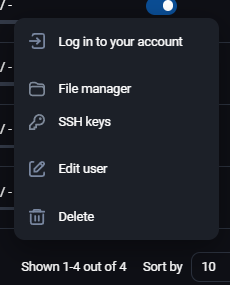
- Log in to your account
- File manager
- SSH keys
- Edit user
- Delete
User editting has 2 tabs:
- Settings
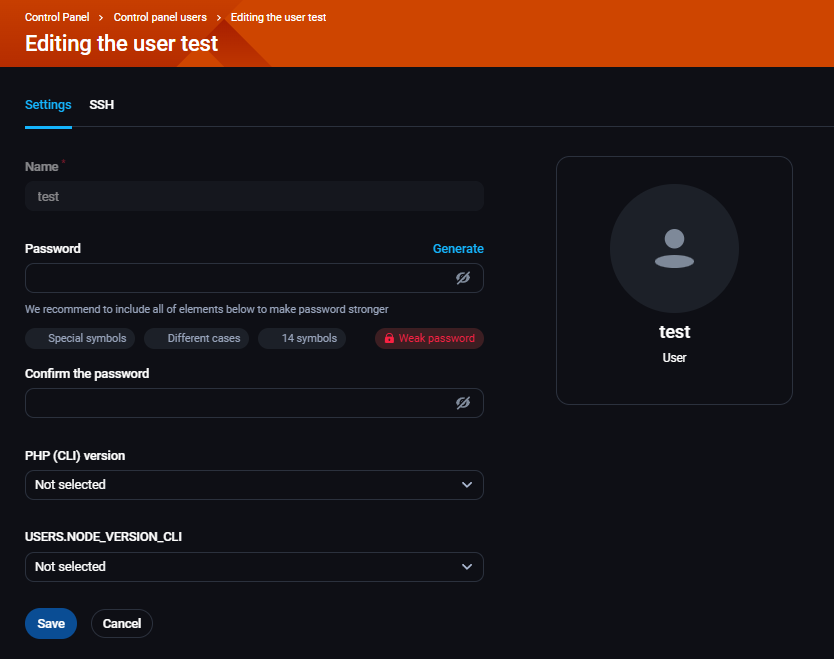
- Name
- Password
- Confirm the password
- PHP (CLI) version
- USERS.NODE_VERSION.CLI
- SSH
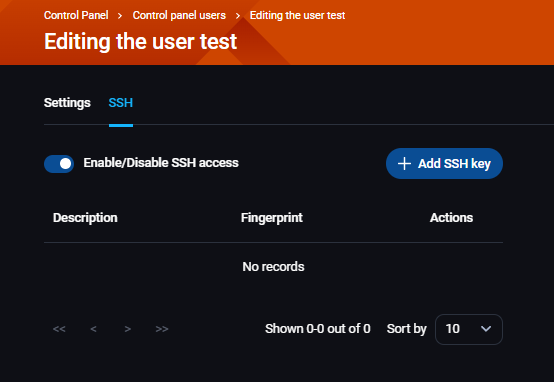
- Enable/Disable SSH access
- +Add SSH key