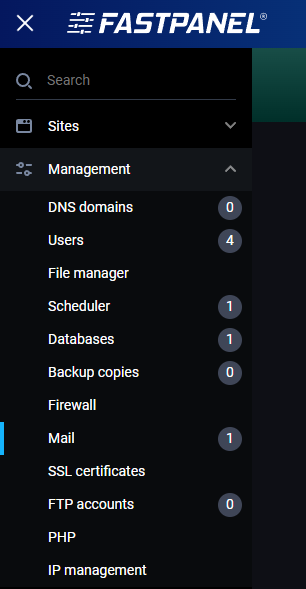
To manage email domains in FastPanel, you need to go to Management -> Mail:
In the right upper corner, you will see two buttons:
- Roundcube - opens the RoundCube login page
- + New Domain - opens a page where you can add a new mail domain

Click on +New domain and you will be prompted to enter the domain and IP (if you have multiple IPs on your server) you wish to use.

After you save changes, you will be returned to the previous page, where you will now see all domains that were added, and they will each have 4 buttons:

- DKIM - opens a pop-up window with the DKIM record you need to enter into your DNS zone

- Mailboxes - opens up a page where you can manage your email accounts

- Settings - opens up a page where you can manage redirections and SSL certificates

- Trash can - deletes all email accounts on that domain