To manage PHP modules and limits/settings go to Management -> PHP:
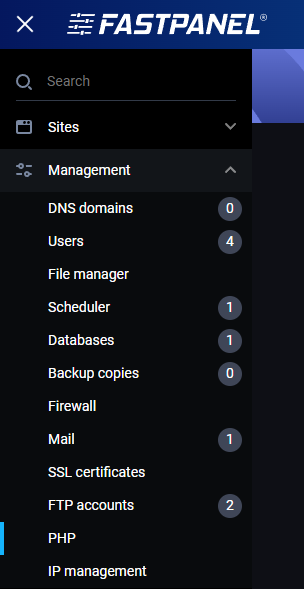
You will see a page with 2 tabs:
- PHP modules - install or remove PHP modules
- PHP settings - edit PHP limits or settings
PHP modules
On this page you will see all modules for selected PHP version, their status and icons to install or remove them:
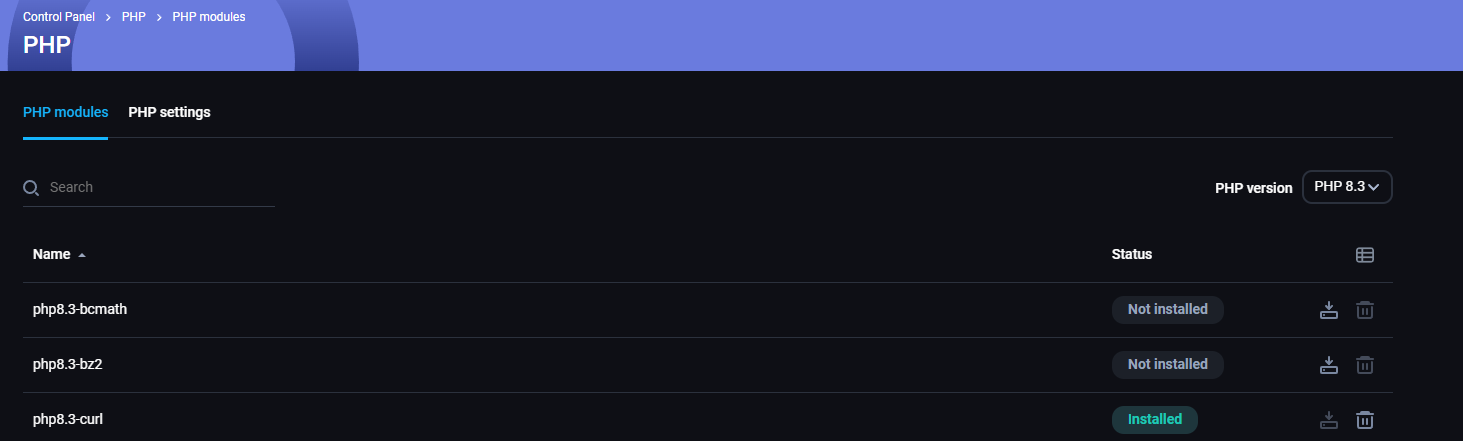
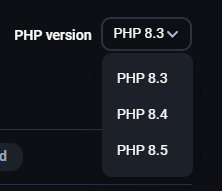
Above the PHP modules is a search bar, and on the right side, you will se PHP version already selected and a menu to choose another PHP version:
PHP settings
On this page you will see all PHP limits and settings for selected PHP version, their values and icons to edit or restore them to the default value:
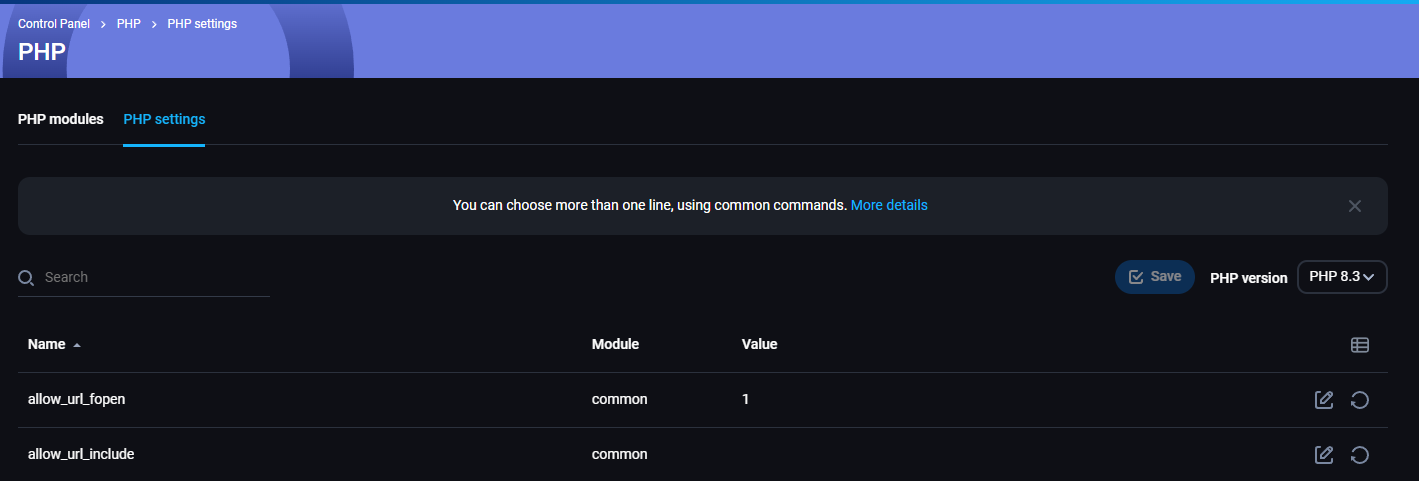
Above the PHP limits/settings is a search bar, and on the right side, you will se PHP version already selected and a menu to choose another PHP version: