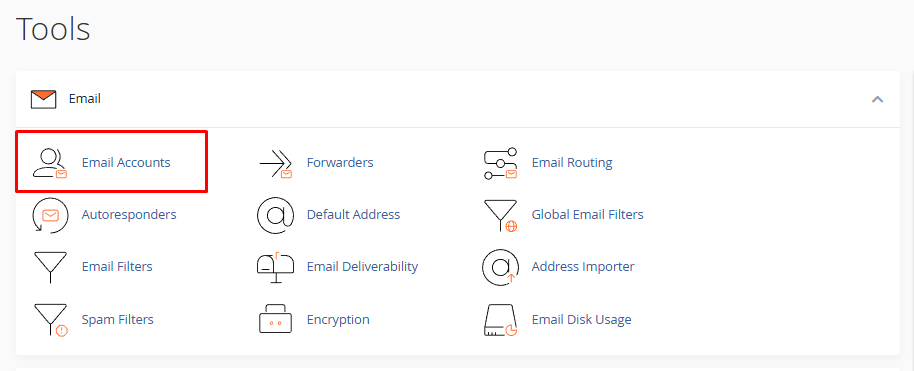
After you log in to your cPanel account go to Email Accounts:
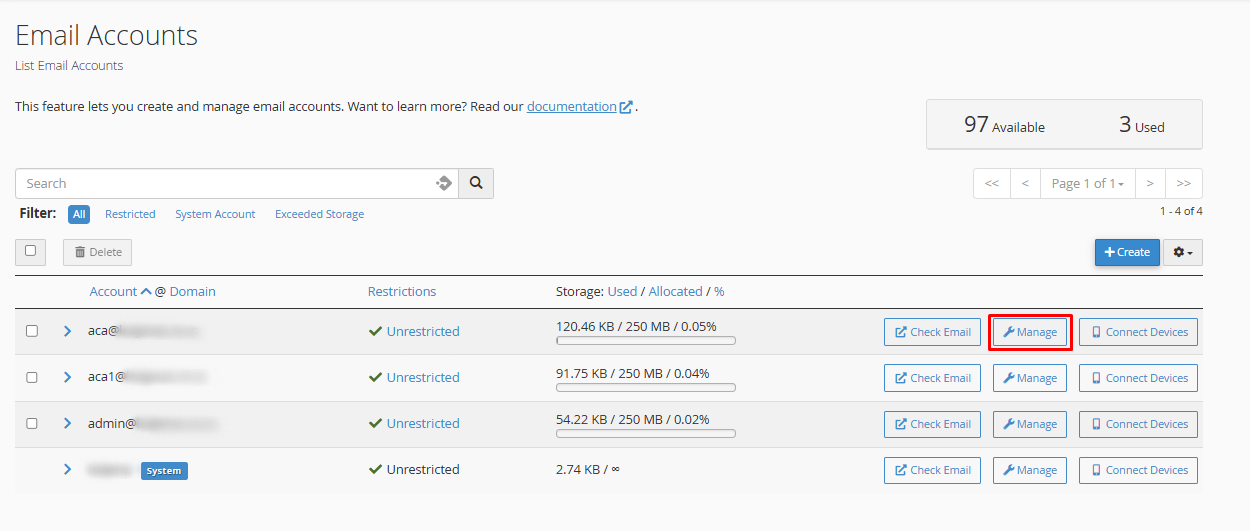
You will see a page with already created email accounts (if they exist) and a button Manage next to every account:
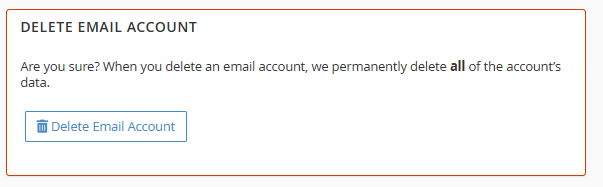
At the bottom of the page you will see a section named Delete email account:
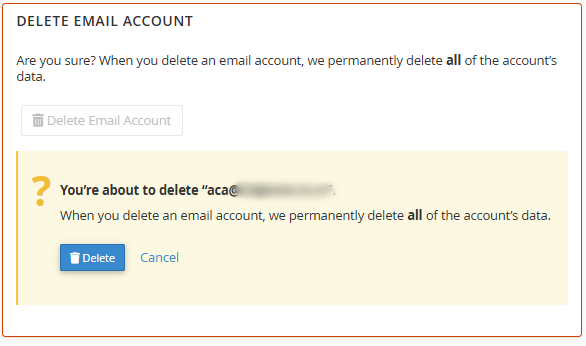
After you click on the button Delete Email Account, you will be asked to confirm that action: