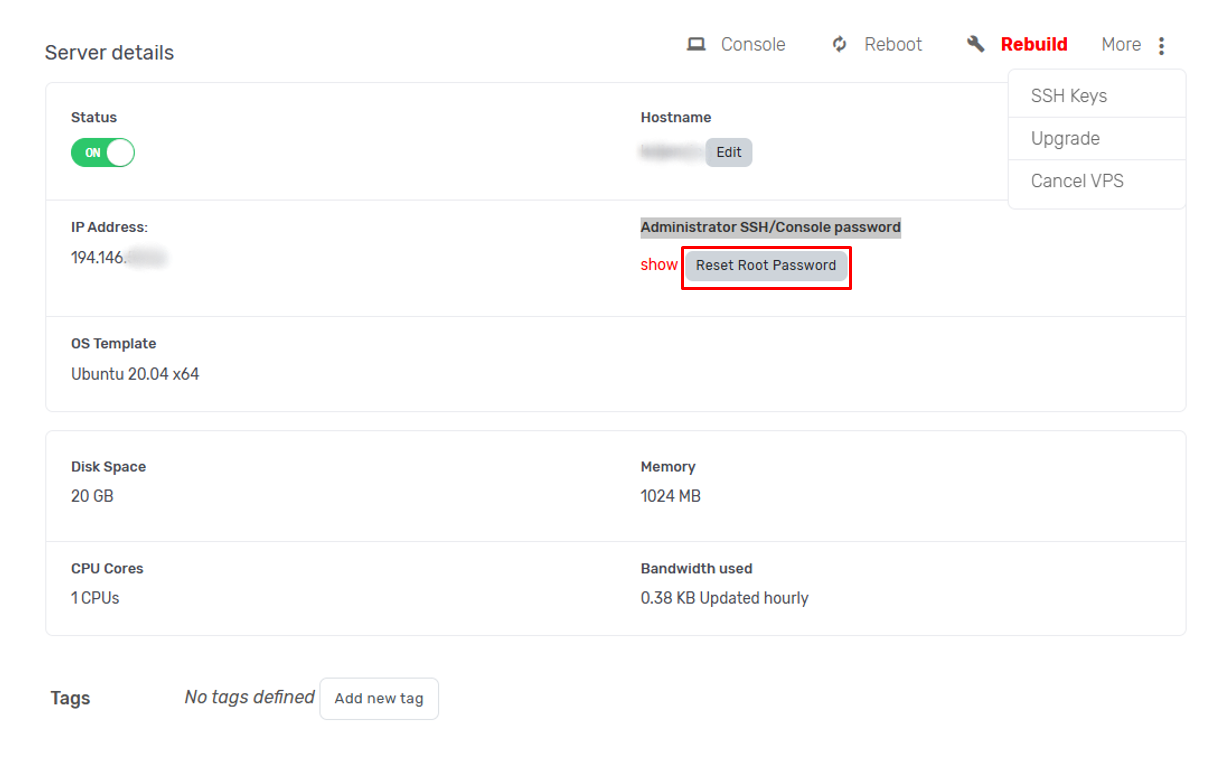
In order to change your administrator password, go to the details page of your server like shown here and click on the button Reset root password.
You will be asked to confirm that you want to change root password.
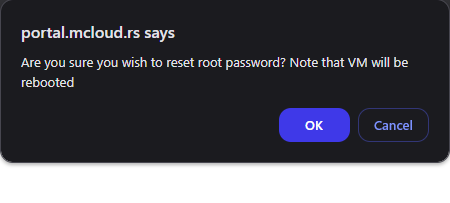
After you accept, the server status will change to Pending and will revert back to On when the change is done.

Note: You can see the root password at any time, by clicking show next to the option for resetting the password.